

On this page
Build Credits
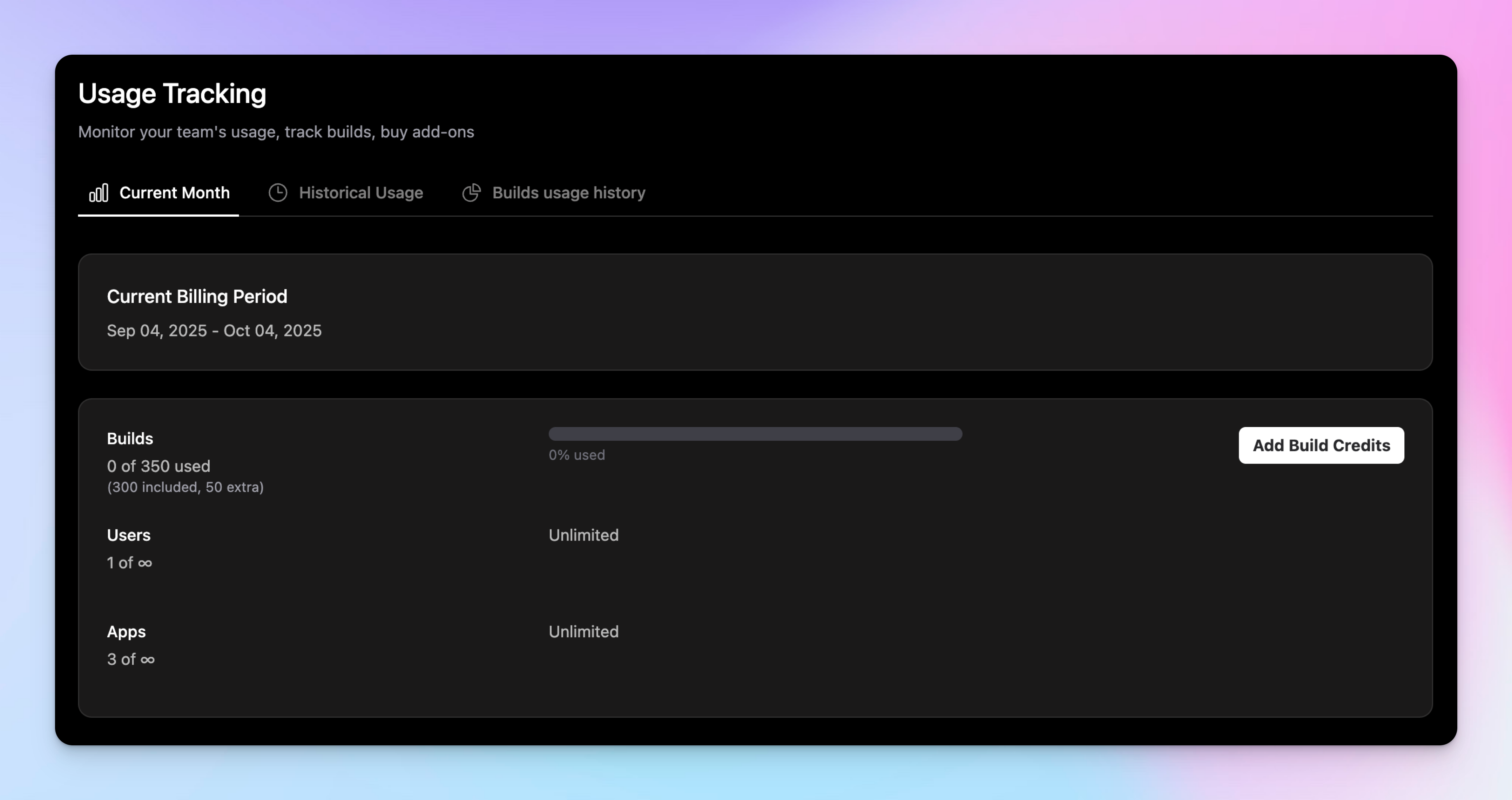
Every Bifrost plan comes with an included allowance of build credits. A single build credit lets you run a build for one platform: iOS or Android (and soon OTA).
The number of included credits depends on your subscription. These credits do not rollover each month. If they're not used, they're gone.
Top-Ups
You can top-up build credits for your team in blocks of 5, 20 or 50 credits. These credits do not expire.
Auto Top-Up
Auto top-up buys more build credits for your team when you're running low. It's off by default.
To turn it on, go to your team's Usage page, click Add Build Credits and switch on Auto top-up. Choose a threshold and an amount, then save.
Bifrost tops up when your remaining builds fall below the threshold. Your remaining builds are the builds left in your plan plus any credits you've bought.
If you're already below the threshold when you save, the first top-up happens straight away. Only one top-up runs at a time, even if several builds start together.
The amount is how many credits each top-up adds. You can pick a 5, 20 or 50 credit pack at its normal price, or a custom amount from 51 to 1,000 credits. Custom amounts cost $0.60 per credit, the same rate as the 50 credit pack.
Each top-up is charged to your team's saved card, and you get an invoice for it. Credits added this way never expire.
While auto top-up is on, Bifrost won't email you when you're running low on builds or have run out.
Only the team owner and admins can change auto top-up settings.
Failed Payments
If Bifrost can't take payment for a top-up, it turns auto top-up off so it doesn't keep trying your card. The team owner gets an email about it.
Check or update your card on the Billing page, then switch Auto top-up back on from the Usage page.